Quickstart
How to connect a wallet and start trading on Tower Exchange
Connect a Wallet
Navigate to Tower Exchange and click the Connect Wallet button. Tower supports wallet connections through Rainbow offering a wide range of options including browser extension wallets and embedded wallets.
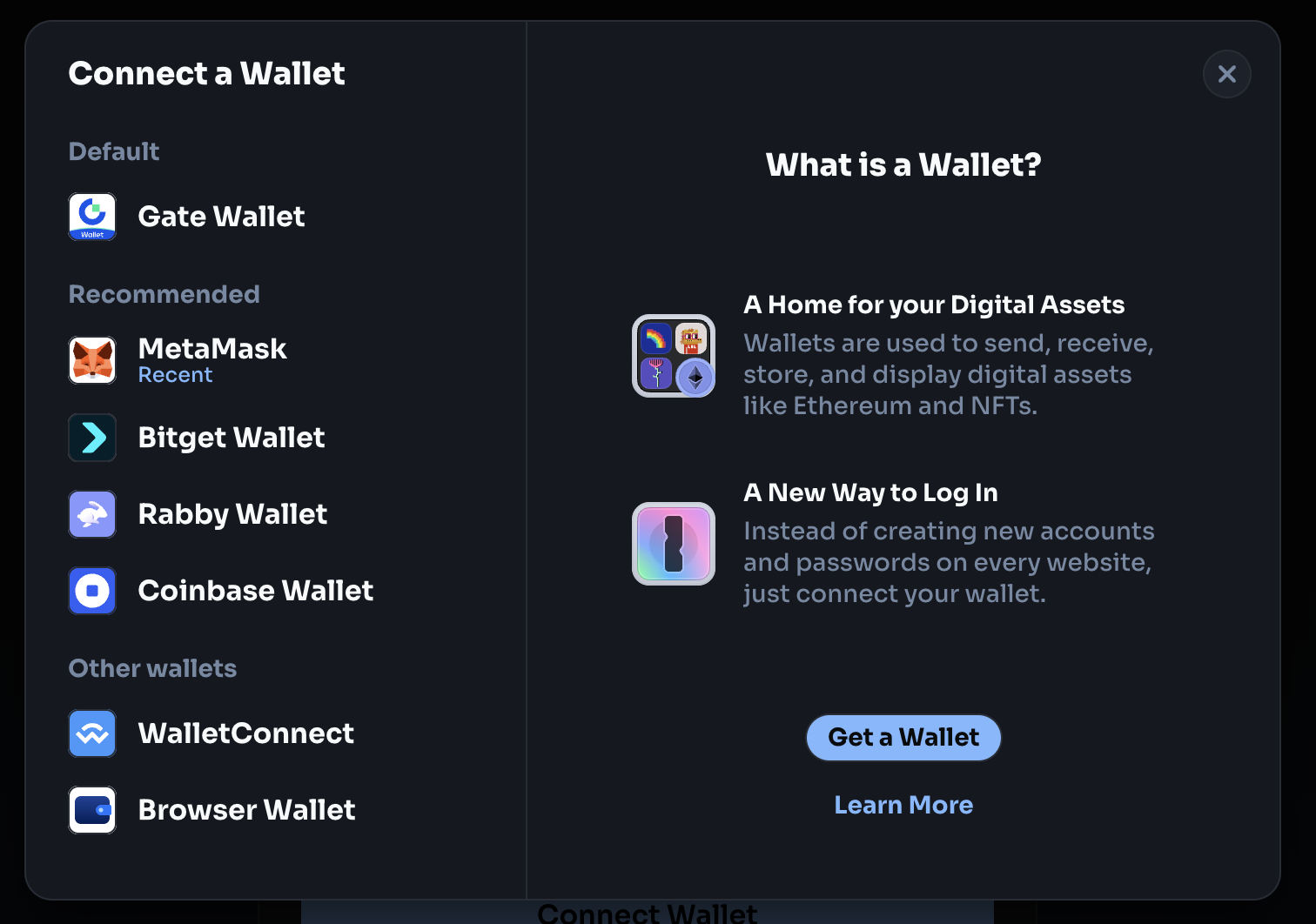
Once connected, users land on the main swap interface and can immediately begin trading.
Tower is fully non custodial. Funds never leave the user's wallet until a transaction is signed and confirmed. Tower cannot access or move any tokens.
Explore the Interface
The main interface is designed for simplicity. It includes:
- Swap/bridge panel: The core trading interface for selecting tokens, executing swaps, and bridging tokens across supported chains.
- AI Assistant: A chat interface for asking questions about portfolios, trades, and on-chain data.
- Profile: A personal dashboard displaying wallet details, positions, and account activity at a glance.
- Recurring Orders: The interface that allows users to set up automated, recurring swaps at specified intervals, removing the need to manually execute repetitive trades.
- Faucet: Get verified links to claim testnet tokens, allowing users to explore and test Tower Exchange's features without using real funds
Make First Swap
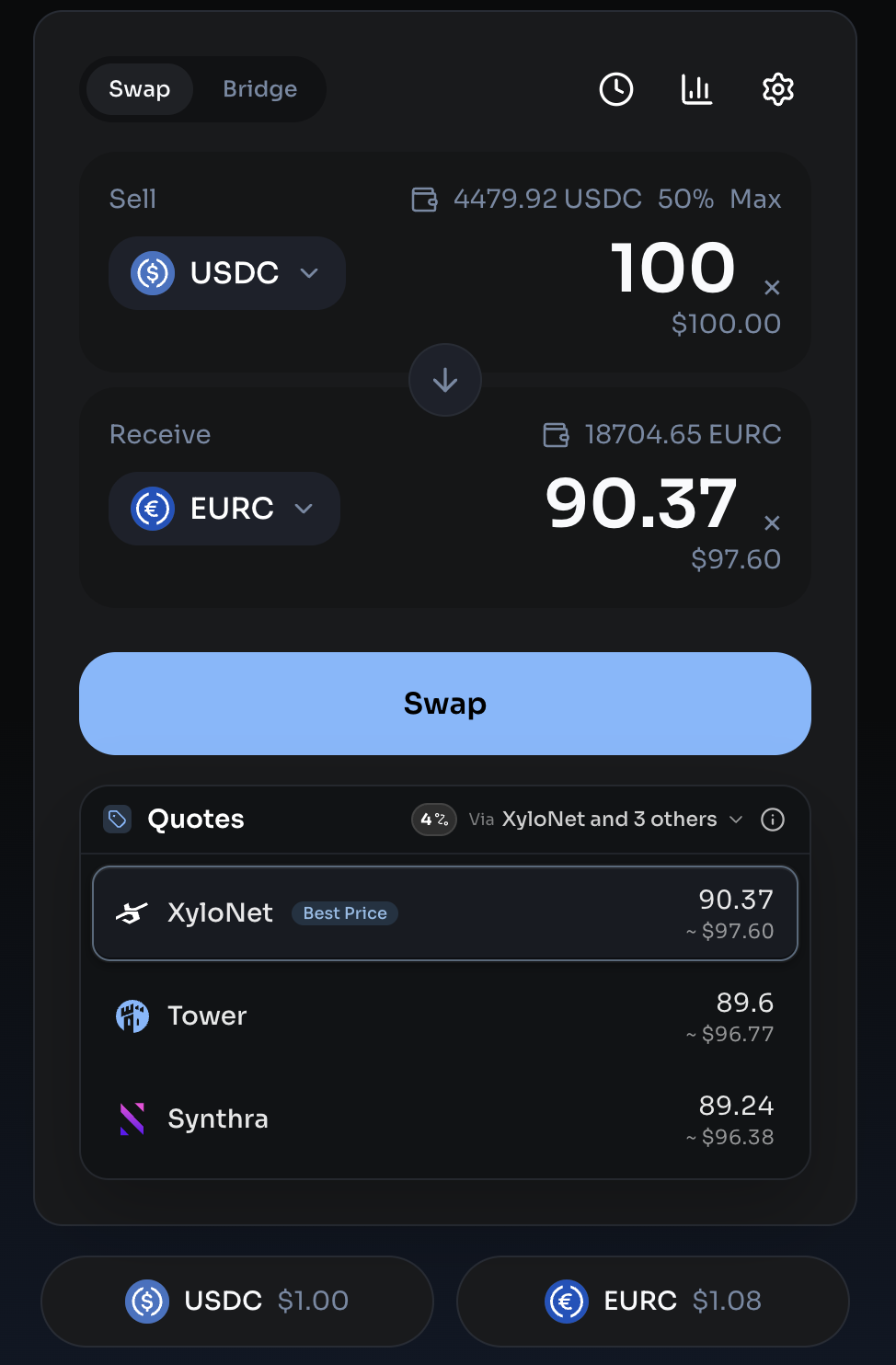
On the swap panel, users choose an input token (the token being sold) and an output token (the token being received). Input tokens are sorted by the USD value held in the connected wallet for convenience. Output tokens are displayed based on popularity and relevance within the Arc ecosystem.
Once both tokens are selected and the trade amount is entered, Tower's aggregation engine immediately goes to work. It queries every connected DEX on Arc, evaluates all possible routes (including multi-hop paths), and returns the best available quote.
Once satisfied with the quote, users click the Swap button. The wallet prompts a review and signature of the transaction. After confirmation, the transaction is submitted to the Arc blockchain.
The trade executes on-chain, and the received tokens appear in the wallet once the transaction is confirmed. The entire process takes just seconds on Arc.
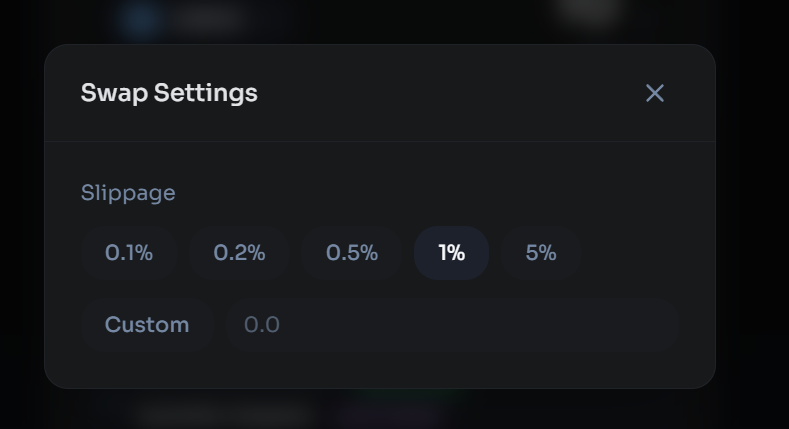
If a swap fails, it is usually due to slippage: the price moved between confirmation and transaction landing. Adjusting slippage tolerance in the trade settings can help.
Trade Settings
Users can customize their trading experience through the settings panel where they can change the slippage settings